Wallet & Billing
All costs on Inkica (order creation, printing, shipping) are deducted directly from your wallet — top up in advance, spend as you go, no card on file and no per-order checkout.
Wallet balance
Your wallet balance is always shown in the top-right corner of the screen. Open the Wallet page for details, including a Balance history chart (daily balance over the last 7/30/90 days).
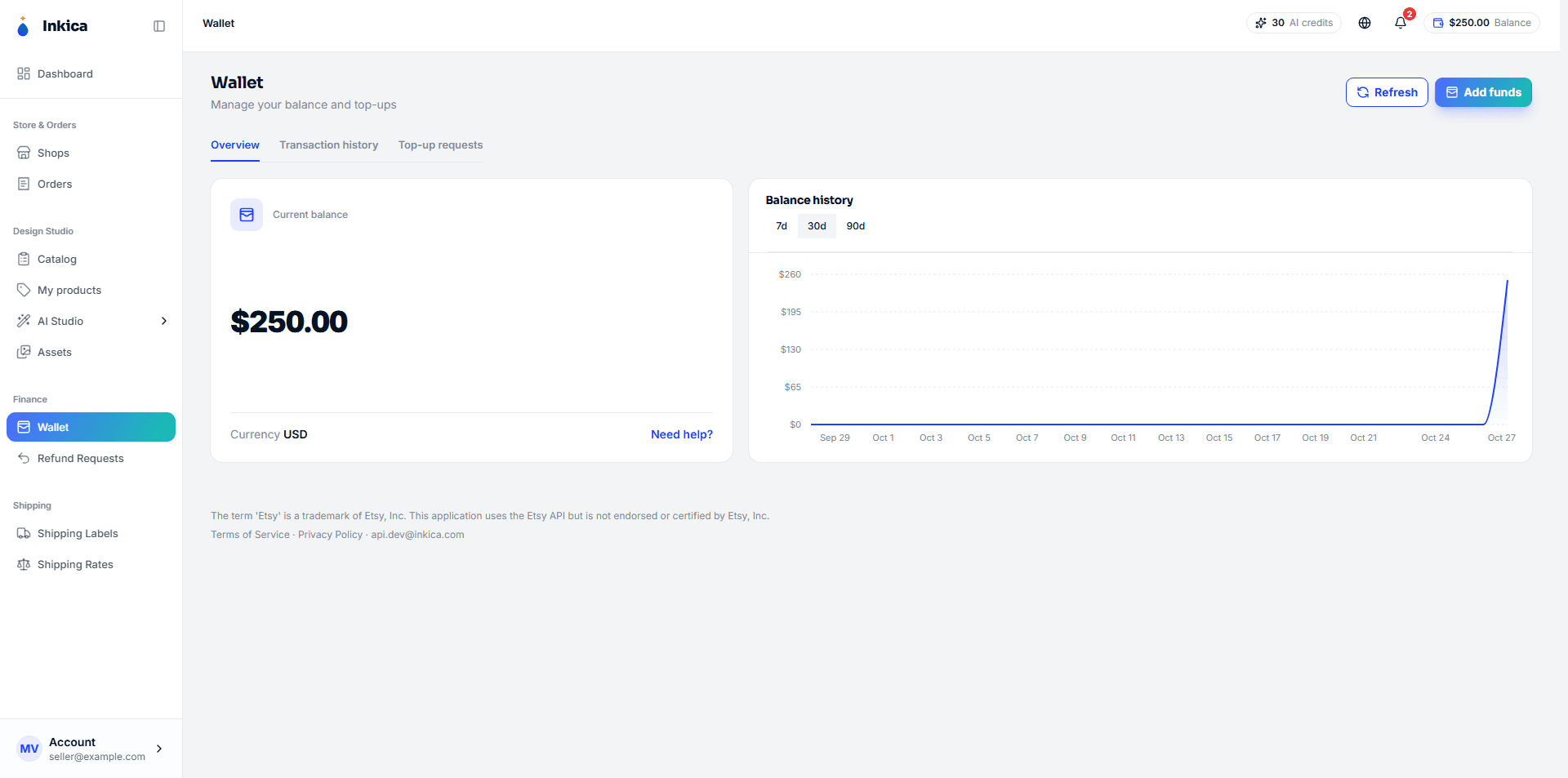
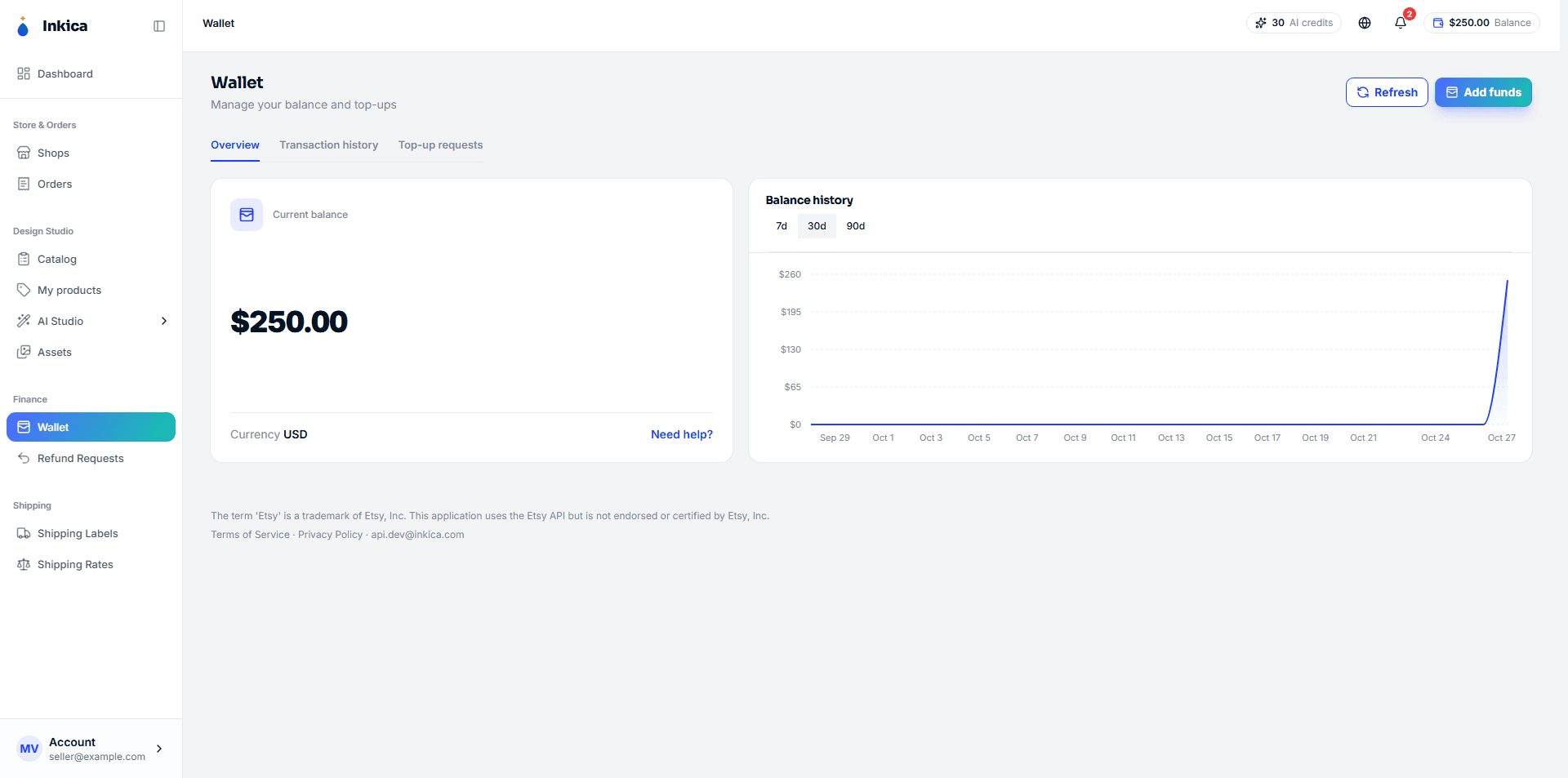
Adding funds
Click Add funds on the Wallet page. Two methods are available:
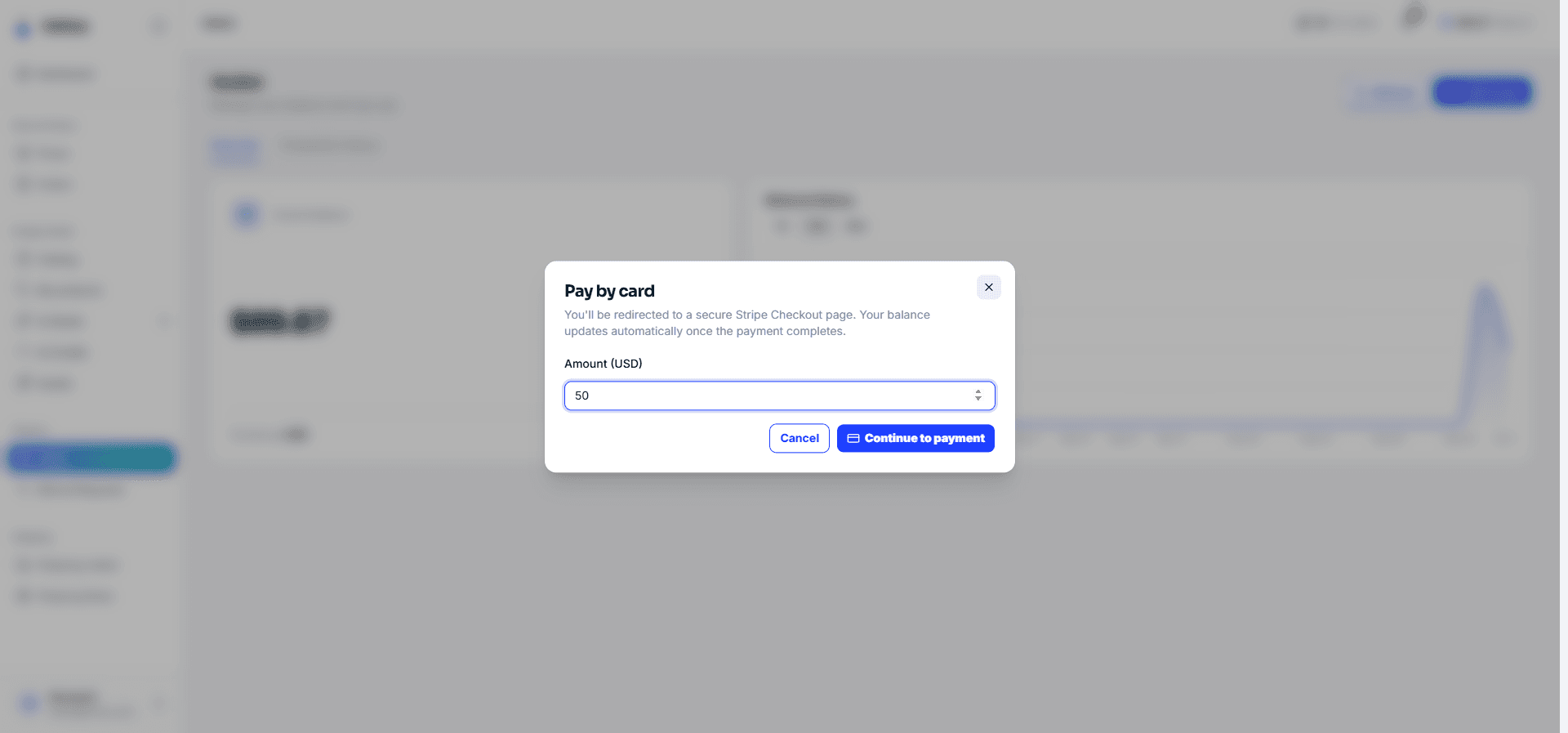
Pay by card — instant top-up
The fastest option: enter an amount → Continue to payment → you’re redirected to Stripe’s checkout (Visa/Mastercard/Amex accepted) → once payment completes, Stripe redirects you back to Inkica and your wallet is credited automatically, with no manual approval needed. Minimum $0.50 per top-up.
Bank transfer — manually reviewed by Inkica staff
- Choose a payment channel (bank account, or an email-based channel such as PingPong/Wise, depending on what’s enabled).
- Transfer the desired amount using the details shown.
- Fill in the form with the amount transferred, the transfer date, and a screenshot confirming the transfer (required).
- Click Submit request.
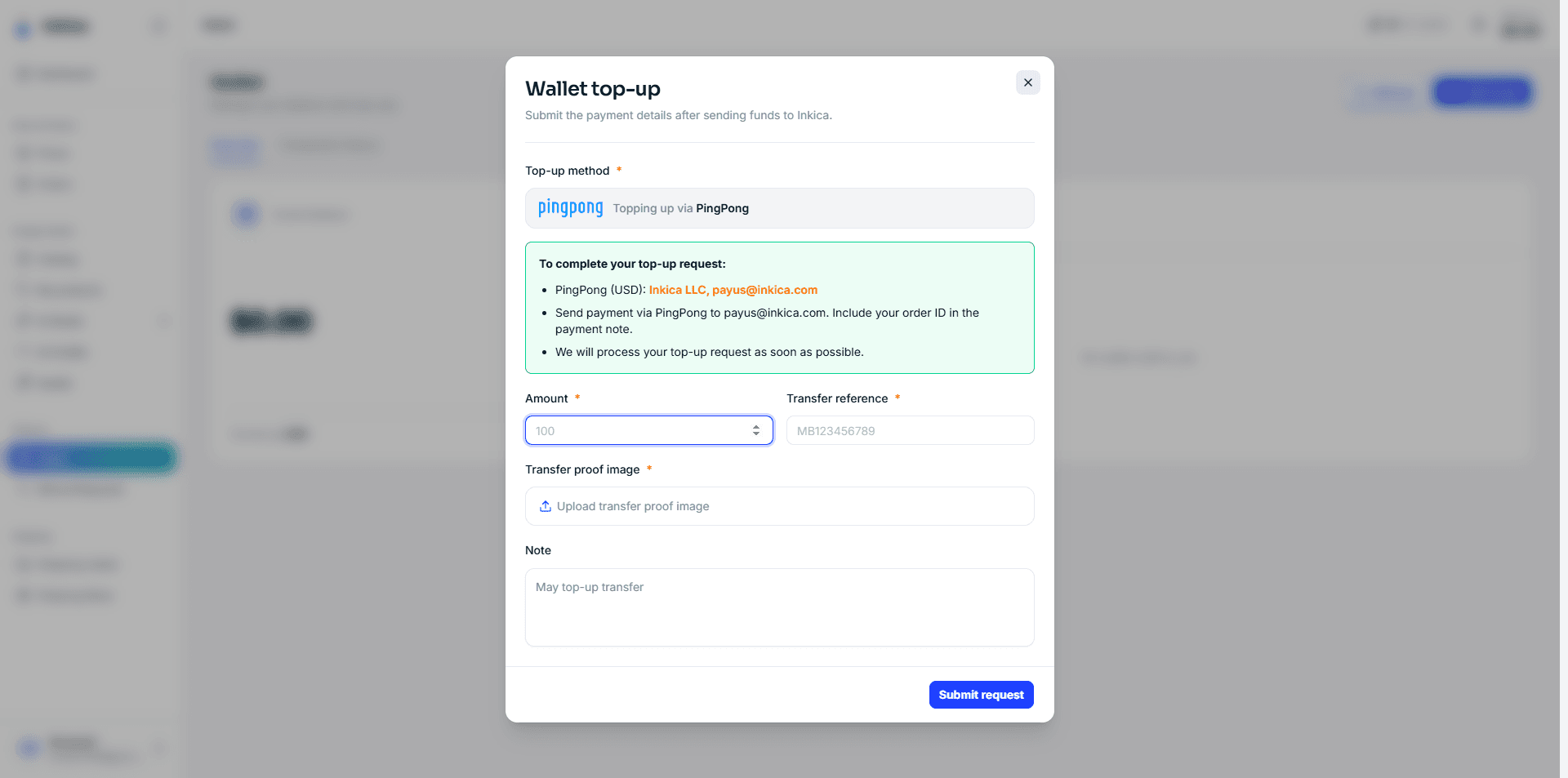
The request is then pending review. Inkica’s operations team verifies it and approves as soon as possible — funds are credited to the wallet immediately upon approval, and you’re notified once it lands.
Transaction history
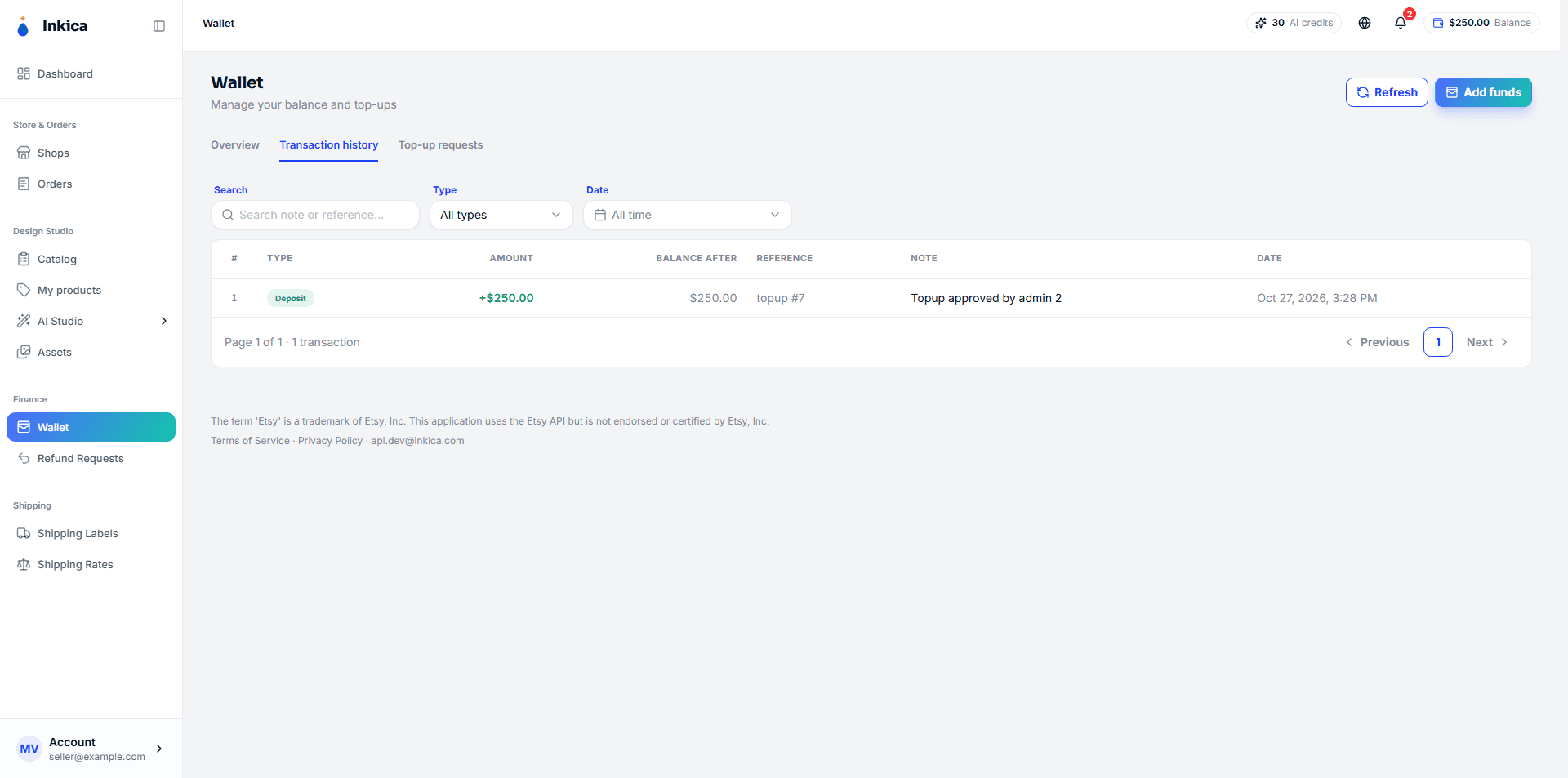
On the Wallet page, switch to the Transactions tab to see the full history: top-ups (by card or bank transfer), deductions when orders are created, and refunds when orders are cancelled or refunded.
AI Studio credits
Inkica’s AI Studio tools (graphic extraction, mockup generation and similar) run on a separate service, AI Tools (ai.inkica.com). AI credits are not charged to your Inkica wallet.
- Each seller has a credit balance on AI Tools, shown on the AI Credits page in Inkica.
- To buy more, click Buy credits on that page. You are taken to AI Tools, already signed in to the same account, where you choose a credit pack and pay by card through Stripe checkout. Credits are added to the balance as soon as the payment completes.
- Credit top-up packs are one-time purchases — they are not charged again automatically, and top-up credits do not expire. AI Tools also offers optional monthly plans; these are subscribed to and managed on AI Tools only.
- Order, printing and shipping costs continue to be charged to the wallet as described above.
This page documents Inkica’s wallet-based billing model, used under an approved Shopify Billing API exemption for charges outside the Shopify Billing API.