12. Shopify-specific features
◀ Contents · Already connected your Shopify shop?
For Shopify, Inkica currently focuses on automatic order syncing — when a customer pays successfully on Shopify, the order arrives in Inkica almost instantly for you to process (see Process orders).
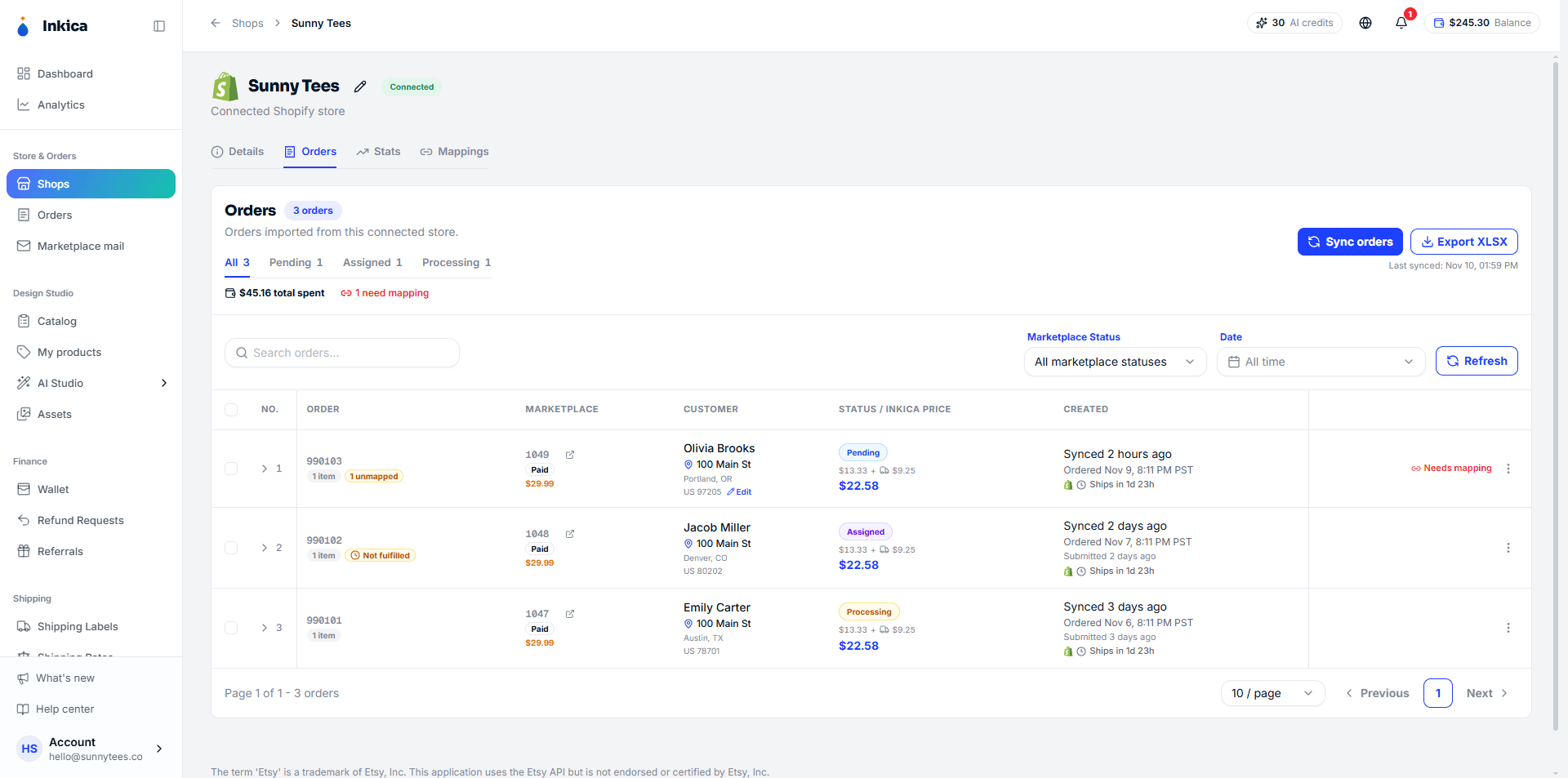
Go to Shops → choose your Shopify shop to see:
- Details — shop information.
- Orders — orders from this shop.
- Stats — sales figures.
- Mappings — set up in advance which SKU matches which product, so new orders match automatically when they arrive.
How Shopify orders work
- Orders arrive once the buyer has paid. Unpaid orders don’t come into Inkica. Besides arriving instantly, Inkica also re-checks every 30 minutes so no order is missed.
- Products without a SKU still work. Shopify lets you publish products with no SKU; Inkica then identifies them by the Shopify variant, still shows the listing photo, and you can still map the SKU once for later orders. Size/color come from the variant name (for example Black / XL).
- Buyer notes (the order notes box at checkout, or a note box on the product page) show on the order details. These notes are not sent to the print factory — if the buyer asks for something about the product, edit the order yourself before submitting it.
- Tracking goes back to Shopify automatically. When the factory hands the parcel to the carrier, Inkica marks the order Fulfilled on Shopify with the tracking number, and Shopify emails the buyer its Shipping confirmation.
- Orders cancelled on Shopify can no longer be sent to a factory. If the order has already gone to the factory, contact the operations team.
Managing listings/products on Shopify (creating, editing prices, promotions…) isn’t available in Inkica yet — do it directly in your Shopify admin as usual.
If you uninstall Inkica from your Shopify store, the shop in Inkica automatically switches to a disconnected state and you get a notification (in the Stores group). To use it again, reinstall Inkica from the Shopify App Store or reconnect the shop — see Connect your shop.
Last updated on